
Stop threats before they run.
Workshop makes allowlisting livable for modern Mac fleets. The same approach that protected 100,000+ Macs at Google, now an enterprise platform with automated approvals, risk intelligence, and fleet-wide visibility.


Guardrails
Many guardrails working together
No single control stops every attack. Workshop layers execution, data, and device controls so what slips one guardrail is caught by the next.
Lockdown mode
Unknown binaries don't run. The same allowlisting approach that protected 100,000+ Macs at Google.
Network share blocking
Block SMB, NFS, and AFP mounts at the kernel so attackers can't reach a file server to stage payloads or exfil data.
Removable media control
Block, force read-only, or restrict noexec and nosuid on USB, SD, FireWire, and Thunderbolt storage.
File access authorization
Restrict which processes can touch cookies, keychains, SSH keys, and source so infostealers fail even if they execute.
Risk engine triage
Every unknown binary runs through VirusTotal, ReversingLabs, and your own plugins in parallel before a human is asked to approve it.
Multi-party approval
Destructive admin actions require a second admin. Even disabling MPA requires MPA. No single account can take down the fleet.
Our fleet, for your fleet
Everything you need to protect your Mac fleet
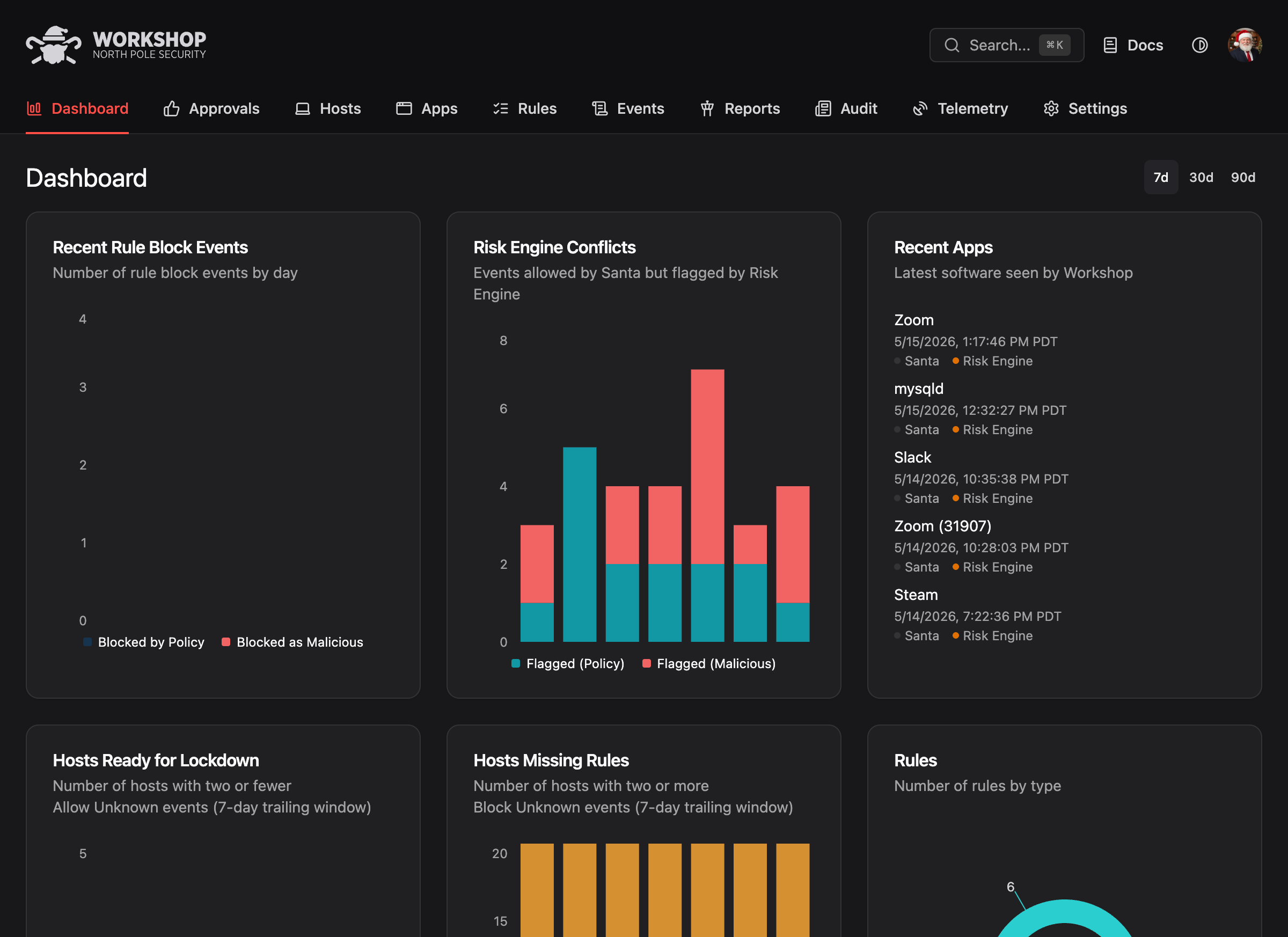
Workshop connects to every Santa agent in your fleet. Policies push to endpoints in seconds. Events flow back for centralized visibility.
-
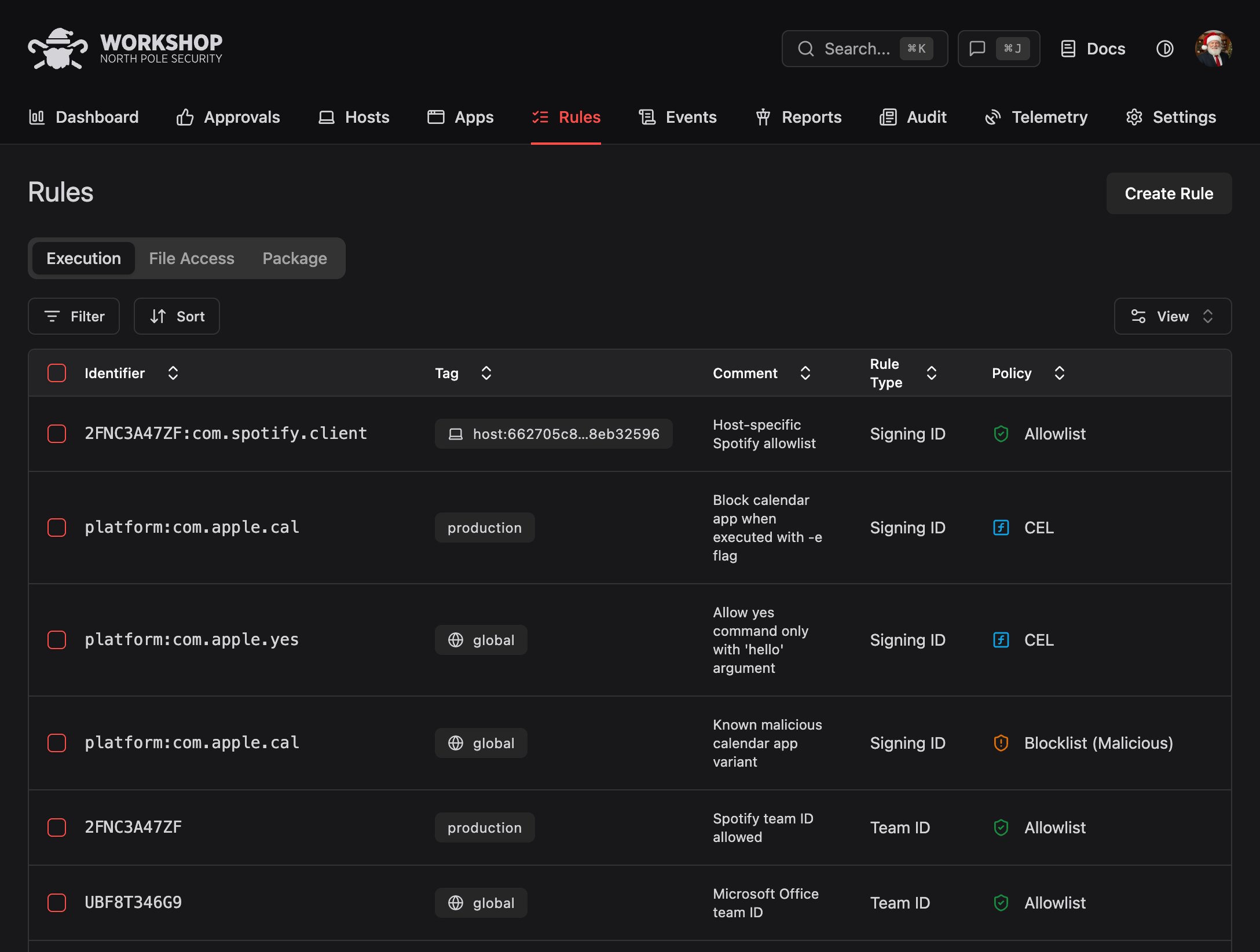
Centralized rule management
Manage execution, file access, and package rules in one console.
-
Push changes
Apply policies instantly across every endpoint via our own push service.
-
Management zones
Divide your fleet into zones with different policies for engineering and other departments.
-
Automated approval workflows
Self-service, designated approvers, or social voting at scale.
-
Complete audit trails
Every approval, every block, every override logged for compliance.
-
Granular telemetry
Query every execution, file access, disk mount, and login events with SQL.
-
Realtime remediation
Send Santa commands to kill running processes and respond to incidents the moment they happen.
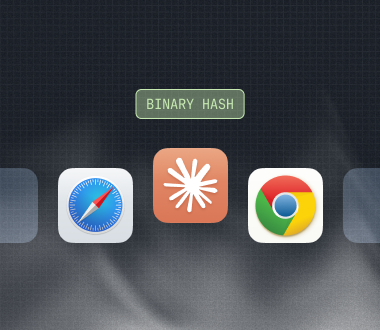
Execution rules
CDHash, binary hash, Signing ID, certificate, and Team ID. Five precedence levels for complete control.
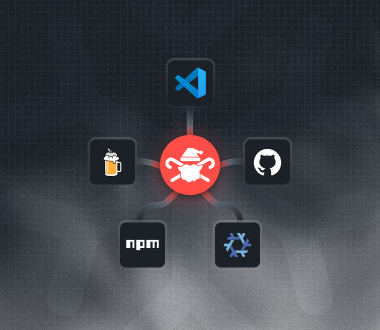
Package rules
Automated allowlisting for Homebrew, npm, Cargo, GitHub Releases, VS Code extensions, and more developer ecosystems.
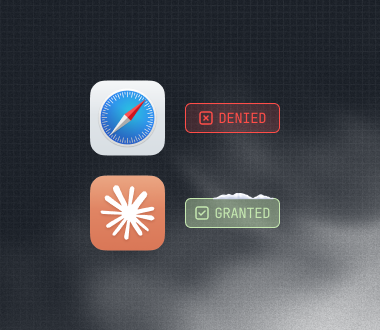
File access rules
Control which processes can read or write specific files. Stop infostealers from touching credentials and source.
Deployment
Deployment options
Cloud-hosted or self-hosted, Workshop adapts to your infrastructure requirements.
Cloud-hosted
Get started in minutes with managed infrastructure. We handle updates, scaling, and availability.
MDM aware, IdP ready
Integrate easily with Jamf, Intune, and more. Workshop maps to your existing IdP groups, with SSO included.
Compliance-ready
Security, compliance, and SOC 2 details available on request. Built to meet enterprise procurement.
Integrations
Connect Workshop with your existing security stack.
Tags
Your org structure becomes your security policy
A tag is a named collection of rules, settings, and approval workflows. Instead of configuring thousands of endpoints individually, you define a handful of tags that map to your teams and departments.
Scoped per tag
Rules, sync settings, and approval workflows all scoped per tag.
Auto-assigned via your IdP
Directory sync maps groups to tags so policy follows your org.
Risk engine exceptions
Per-tag overrides for targeted exceptions without breaking the global policy.
Deterministic precedence
Higher-priority tags always win. Every setting is predictable and auditable.
Tag patterns
Real-world tag patterns
Tags are most useful when they map to how your team actually works. Three patterns we see across Workshop deployments.
Faster, safer rollouts
Roll Lockdown out to Sales first (smaller, predictable software set), monitor for a week, then flip the global tag. Department-by-department rollout, not a fleet-wide gamble.
Per-department approvals
Engineering gets self-approval gated by the risk engine. Sales and Finance require manager approval. Each department gets a tailored workflow through tag assignment.
Emergency software blocks
Vulnerability announced? Create a tag with a block rule, then gradually add users via an IdP group. Catch business disruption early before moving the rule to global.
Identity
Identity-driven security policy
Workshop syncs your existing org structure from your identity provider. When someone joins the Engineering team in Okta, their Mac gets Engineering's security policies within a minute.
Single sign-on
Okta, Azure AD, Google Workspace, OneLogin, JumpCloud, or any SAML/OIDC.
SCIM directory sync
Incremental updates every 60 seconds and full reconciliation hourly.
Manager relationships
Departments, cost centers, and managers synced for approval routing.
Multi-party approval
Required for destructive actions. Even disabling MPA requires MPA.

Approvals
Flexible approval workflows
Lockdown mode blocks unknown software, but your users still need to get work done. Workshop provides multiple approval paths so requests resolve in minutes, not days.
Self-service
Trusted teams approve their own requests, gated by the risk engine.
Designated approvers
Sensitive departments route requests to a manager or security lead.
Social voting
Proven at scale with 100,000+ Macs at Google. Peers validate each other's installs.
Slack integration
Approvals where your team already works. Action buttons, no context switch.
Risk engine
Automated decisions for every unknown binary
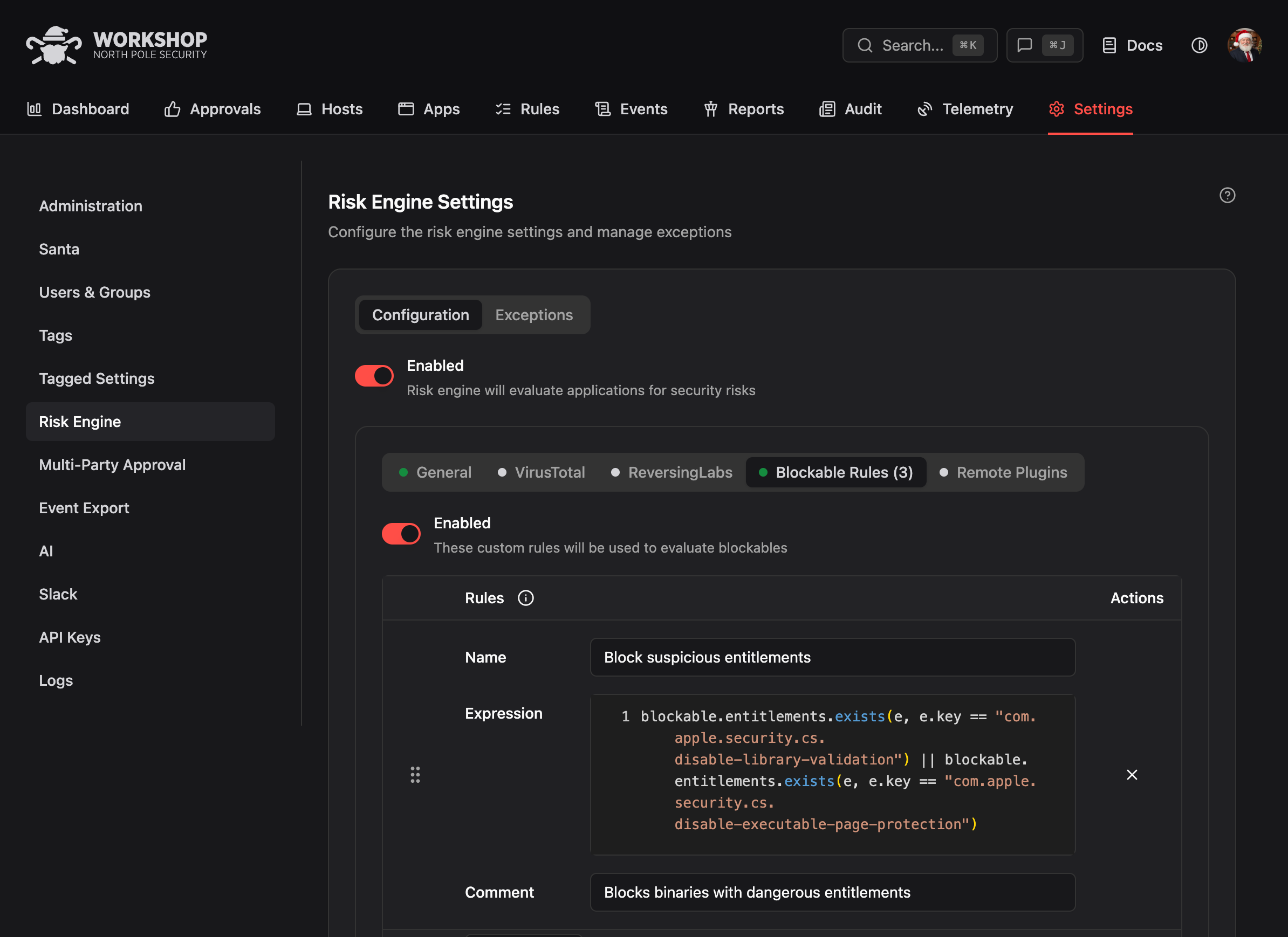
The risk engine runs VirusTotal, ReversingLabs, and custom webhook plugins in parallel for every unknown binary. All plugins must return ALLOW for the binary to pass.
-
Parallel evaluation
VirusTotal, ReversingLabs, and your custom plugins run in parallel.
-
Configurable deadlines
Set per-plugin timeouts. Cached results with TTLs for predictable latency.
-
Exception system
Override decisions when context warrants, with full audit trail.
-
Custom plugins
HTTP webhooks for your own threat feeds and risk signals.
Telemetry
Telemetry and visibility
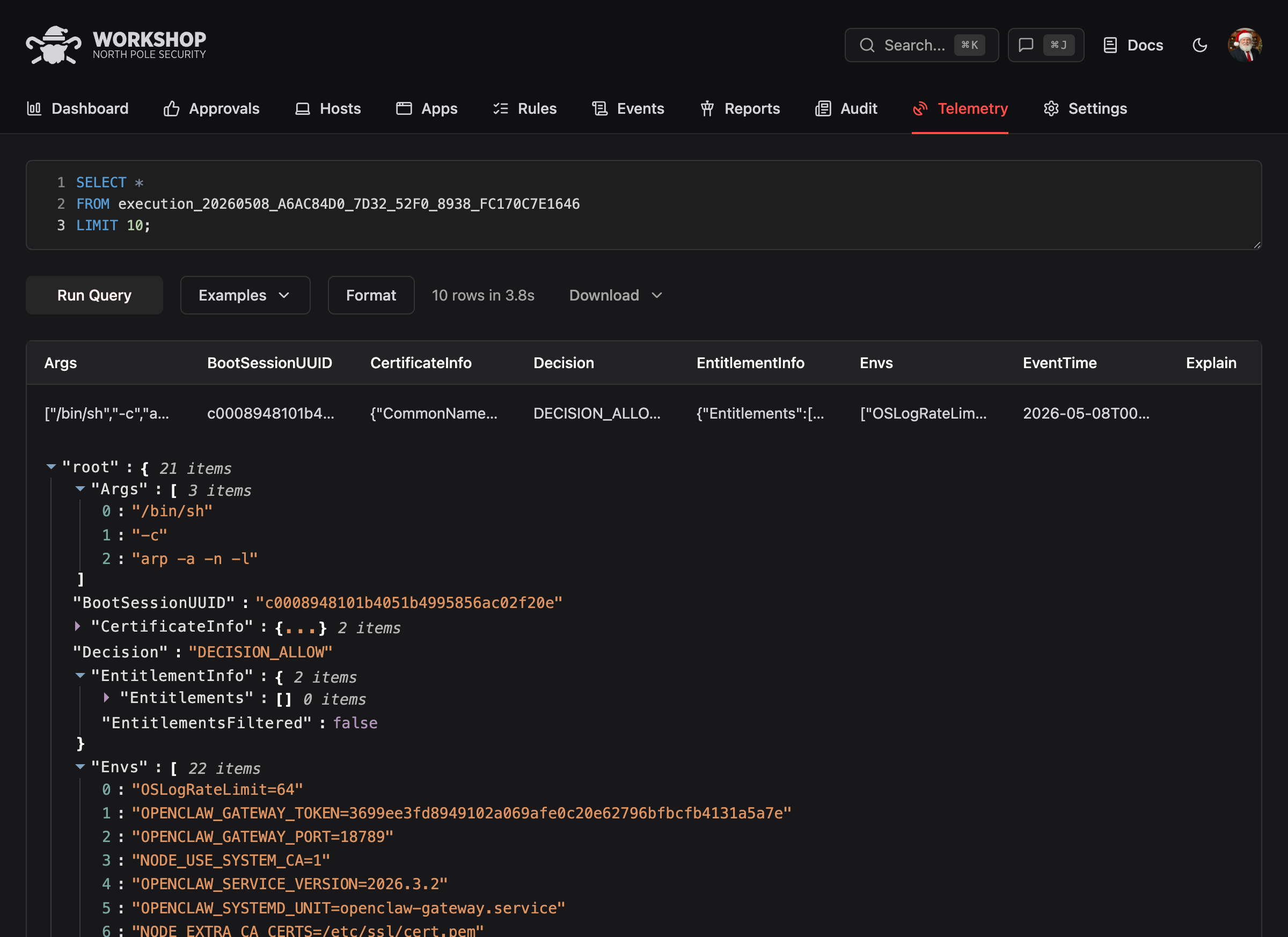
Workshop collects every execution, file access, disk mount, login, and system event from every endpoint. Run SQL queries directly in the console or export to S3, GCS, or webhooks.
Execution events
Every allowed, denied, and unknown execution with full binary metadata, signing info, and process details.
File and system events
File modifications, disk mounts, logins, screen sharing, and SSH access. Full audit trail for compliance.
Analytics and reports
Pre-built reports for lockdown readiness, top blocked binaries, rule coverage gaps, and event composition.
Frequently asked questions
Won't allowlisting block the software my team needs?
This is the biggest concern with allowlisting, and it's the problem Workshop was built to solve. Approval workflows (self-service, designated approvers, social voting) let users get software approved in minutes. Package Rules automatically allowlist binaries from Homebrew, npm, Cargo, GitHub Releases, and other developer ecosystems. Most organizations start in Monitor mode to build their allowlist from real data before enabling Lockdown. Google ran this approach across 100,000+ Macs for over a decade without breaking developer workflows.
What happens if Workshop goes down?
Santa operates independently on each endpoint. If Workshop is unreachable, Santa continues enforcing its last-synced rule set. No endpoint is left unprotected. When connectivity resumes, Santa syncs and picks up any policy changes made during the outage.
How is Workshop different from CrowdStrike, Jamf Protect, or SentinelOne?
Those tools are primarily reactive. They detect threats after execution and try to contain the damage. Workshop and Santa take a prevention-first approach: unknown software is blocked before it runs. No execution means no damage. Workshop also gives you approval workflows and automated risk assessment so Lockdown mode doesn't become a productivity bottleneck.
How does Workshop integrate with our identity provider?
Workshop works with any major identity provider: Okta, Azure AD/Entra ID, Google Workspace, OneLogin, JumpCloud, or any generic SAML/OIDC provider. SCIM directory sync runs incremental updates every 60 seconds and full reconciliation hourly. Group memberships from your IdP automatically map to Workshop tags, so when someone changes teams, their Mac's security policy updates within a minute. Workshop also syncs manager relationships for approval routing.
How do tags work?
Tags are the core of how Workshop manages policy at scale. A tag is a named collection of rules, settings, and approval workflows. You assign tags to groups of hosts, either manually or automatically through your IdP's group memberships. Tags resolve in a strict precedence order, so you can layer policies: a global baseline, department-specific overrides, and per-host exceptions when needed. This lets you map your org structure directly onto security policy.
Can Workshop protect files, not just executables?
Yes. File Access Authorization controls which processes can read or write specific files. Protect browser cookies, SSH keys, keychains, and source code by restricting access to only the apps that legitimately need it. This stops infostealers even if they somehow bypass binary authorization.
What does Workshop do beyond blocking unknown binaries?
Allowlisting is the anchor, but it's one of many guardrails working together. Workshop blocks SMB, NFS, and AFP network shares so attackers can't stage payloads from rogue file servers, controls USB and SD removable media to stop data exfiltration, restricts which processes can read sensitive files like cookies and SSH keys, and gates every unknown binary through automated risk intelligence before any human reviews it. Each guardrail catches what the others miss.
Does Workshop replace our existing security tools?
No. Workshop complements your existing stack. It integrates with VirusTotal and ReversingLabs for threat intelligence, supports custom webhook plugins, and exports telemetry to your SIEM via S3, GCS, or webhooks. Most customers run Workshop alongside their existing EDR.
How long does deployment take?
Most organizations start in Monitor mode, which gives full visibility without blocking anything. From there, you move to Lockdown at your own pace using tags to roll out department by department. Workshop's risk engine and approval workflows help you build your allowlist from real data. Most teams are running Lockdown on their first department within weeks.