


Block binaries signed before a date
Prevent execution of software signed with certificates issued before your organization's compliance cutoff.
AI agents: see /llms.txt for a full index of this site, or /llms-full.txt for concatenated documentation.
Open source binary and file access authorization for macOS. The same agent that has protected Google's fleet for over a decade, now maintained and accelerated by North Pole Security.
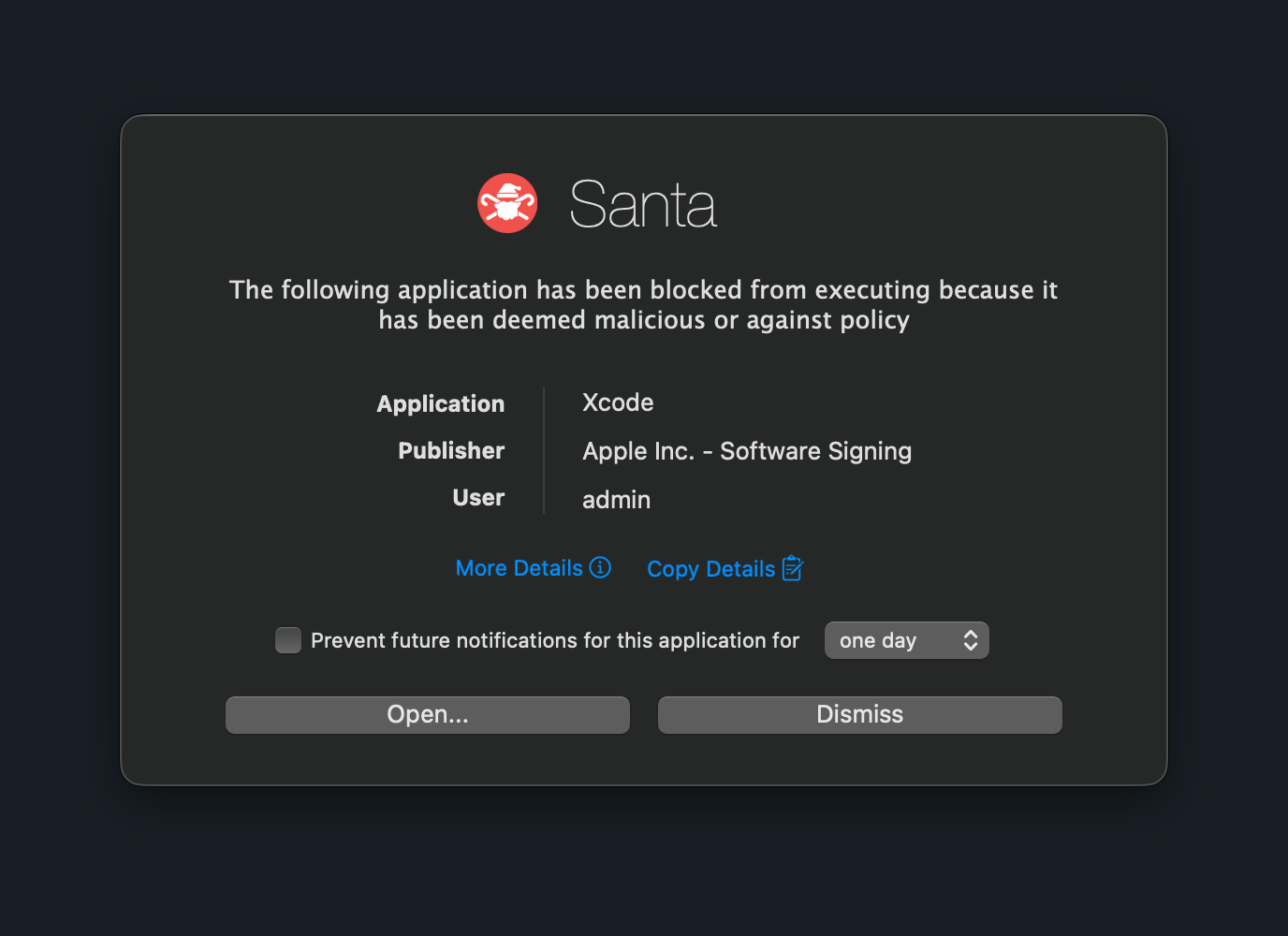
Origin
A decade in production, then handed to the team that built it.
Built to protect Google's Mac fleet at scale. Open sourced for the community.
Founded by the original Santa creators to accelerate development and modernize the project.
Google's endorsement of NPS as the new home for Santa, Apache 2.0.
Velocity
Releases in our first year
vs. 4 in the prior decade
Pull requests merged since fork
vs. ~90 over ten years
Development velocity vs. previous decade
and accelerating
github.com/northpolesec/santa · October 2024
What Santa does
Santa controls what software runs, what processes can touch sensitive files, and what devices can connect to your endpoints. Free, open source, and works standalone or with any sync server.
Most Mac security agents get noticed for the wrong reasons: fan spin, battery drain, slow builds, tickets from engineering. Santa runs at under 0.5% CPU and under 150 MB of RAM on a typical fleet. Light enough your team won't know it's there.
Allow or block by hash, certificate, Team ID, Signing ID, or CDHash. Five rule types with strict precedence give you fine-grained, auditable control over every execution.
Control which apps can read or write specific files and directories. Stop infostealers from reaching browser cookies, SSH keys, and credentials.
Block, remount as read-only, or restrict USB drives and SD cards. Includes USB4 NVMe SSD support to prevent data exfiltration.
Additional capabilities
Santa pairs prevention with deep visibility. Every relevant event captured, every policy expressible in code.
Log every execution, file change, disk mount, login, and authentication attempt. Export as protobuf, JSON, syslog, or file.
Block mounting of SMB, NFS, and AFP network shares. Prevent unauthorized access to network storage and stop data exfiltration over the network.
Write custom security policies with Common Expression Language. Block ancient signatures, prevent Gatekeeper changes, detect timestomping, and more.
$ santactl fileinfo
Inspect any file on disk: hashes, signing chain, the matching rule, and the decision Santa would make right now.
~/dev/nps · zsh
$ santactl fileinfo /Applications/Slack.app
Path                : /Applications/Slack.app/Contents/MacOS/Slack
SHA-256             : adcfd600038361f6a962661419f33b618452c0138c3d321a5e263df399f5349a
Bundle Name         : Slack
Bundle Version Str  : 4.49.81
Team ID             : BQR82RBBHL
Signing ID          : BQR82RBBHL:com.tinyspeck.slackmacgap
CDHash              : 966f66cecf67c7566bdf468f6fd2c6e79ae1b62a
Type                : Executable (arm64, x86_64)
Code-signed         : Yes
Signing Time        : 2026-03-27T16:31:39Z
Rule                : Allowed (SigningID)
Expected Decision   : Allowed by rule
Signing Chain       :
   1. Developer ID Application: SLACK TECHNOLOGIES L.L.C. (BQR82RBBHL)
      Valid Until   : 2027-02-01T22:12:15Z
   2. Developer ID Certification Authority (Apple Inc.)
   3. Apple Root CA

$
Rule precedence
Santa evaluates rules in a strict precedence order. The first match wins, giving you predictable, auditable control over every execution.
Most specific. Matches the exact signed code directory hash. Requires Hardened Runtime.
SHA-256 of the entire file. Any modification breaks the match.
Matches the developer's bundle or binary identifier. Tied to a specific Team ID.
SHA-256 of the signing certificate. Covers all binaries signed with that cert.
Apple's 10-character developer identifier. Broadest match. Every app from that developer.
Each rule type supports six policies: Allow, Allow Compiler, Block, Silent Block, CEL, and Sandbox.
Developer experience
Lockdown without breaking the build. The same patterns that kept tens of thousands of engineers shipping at Google.
Mark trusted compilers with the Allow Compiler policy and Santa automatically approves the binaries they produce for six months. Apple's linker, lipo, and codesign all work out of the box.
CEL rules can require biometric confirmation before allowing execution. Even if credentials are compromised, an attacker without physical access can't run protected software.
When a developer hits an unexpected block, they can request a time-boxed exit from Lockdown via santactl monitormode. The host runs in Monitor for a few minutes (long enough to unblock an install), then snaps back. Eligibility and duration are policy-controlled.
CEL
Common Expression Language goes beyond allow and deny. Evaluate signing metadata, command-line arguments, environment variables, user IDs, and working directories so the policy actually matches your threat model.
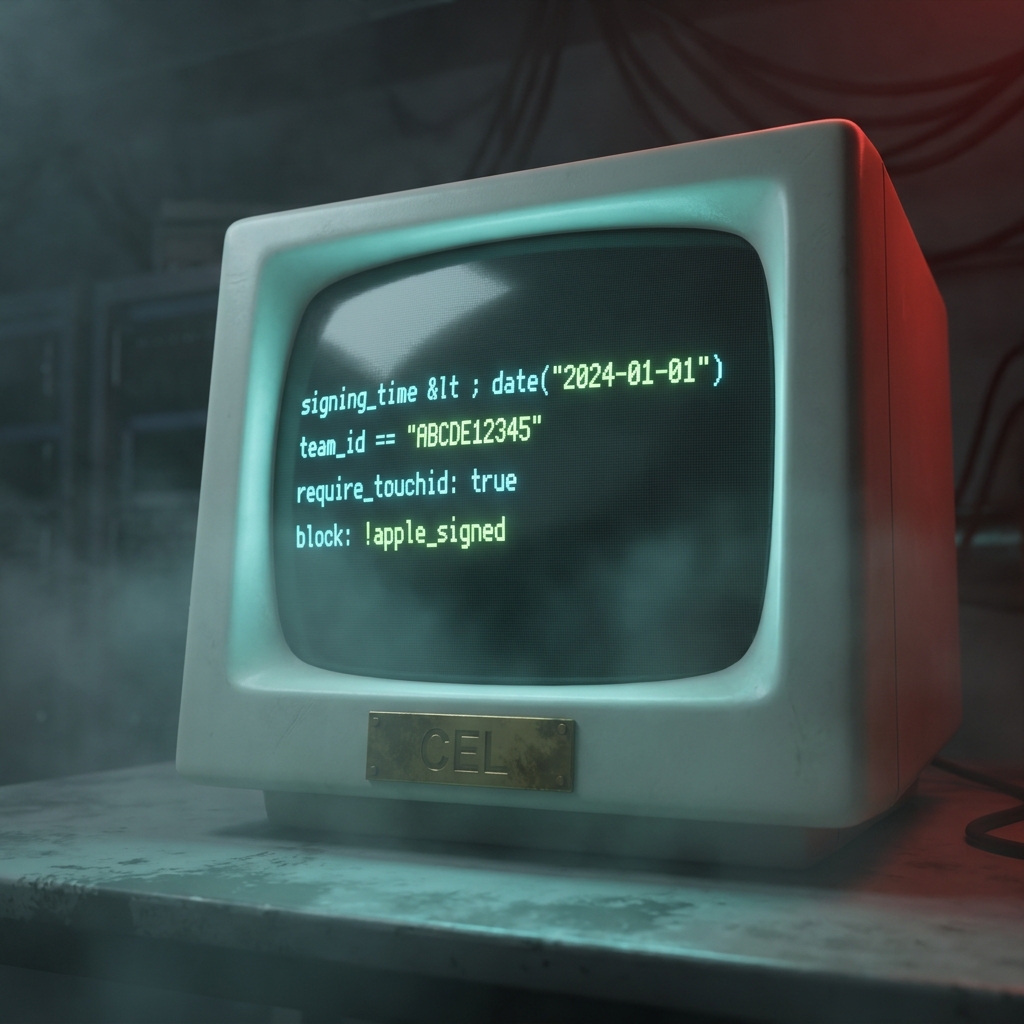
Prevent execution of software signed with certificates issued before your organization's compliance cutoff.
Block attempts to disable macOS Gatekeeper via spctl --master-disable.
Identify binaries where the signing timestamp doesn't match the binary's modification time.
Force biometric verification before allowing execution of admin utilities or remote access tools.
Telemetry
Santa captures every security-relevant event on the endpoint and exports it as protobuf, JSON, syslog, or a flat file. Ship exactly the data you need into your SIEM or analysis pipeline. No cloud dependency, no proprietary format.
Every allowed, denied, and unknown execution with full binary metadata: SHA-256 hashes, signing certificates, process IDs, and user info.
File modifications, renames, deletions, hard links, and clones. Disk mounts and unmounts. Login, logout, screen sharing, and SSH access.
Gatekeeper override attempts, XProtect malware detections, and, on macOS 15.4+, TCC database modifications when apps gain or lose access to protected resources.
Configuration
Santa is a plist-configurable macOS agent. Distribute config profiles with the MDM you already run, manage rules with santactl, and skip the central server until you need one.
Configure Santa with a standard configuration profile. Distribute via Jamf, Kandji, Mosyle, Intune, or any MDM you already run.
santactl rule, santactl status, santactl sync, and friends manage Santa from the command line when no sync server is configured.
Santa runs fully standalone. Bring a sync server like Workshop only when you need fleet-scale rule distribution.

santactl
When there's no sync server in the picture, santactl is how you manage Santa from a Mac. Five subcommands cover almost everything you'll do day-to-day.

santactl fileinfoInspect any binary. Hashes, signing chain, the matching rule, and the decision Santa would make.
santactl ruleAdd, remove, and inspect local rules without a sync server.
santactl statusCheck agent state: mode, rule counts, telemetry connection, last sync.
santactl syncForce a sync cycle when a sync server is configured.
santactl monitormodeRequest an audited, time-boxed exit from Lockdown when something unexpected blocks.
Deployment
Pick the model that fits your fleet. Start standalone, move to a community sync server when local rules stop scaling, or run Workshop when you need approvals and intelligence on top.
Best for individuals and small fleets. Configure Santa with a profile, manage rules locally with santactl rule. No server to run.
Moroz, Rudolph, and Zentral are community-maintained sync servers that speak Santa's v1 sync protocol. Self-host if you want fleet-wide rules without a vendor.
When you need fleet-scale rule distribution, automated approvals, risk intelligence, and centralized telemetry. Built by the team behind Santa.

Community
Workshop is what we built for fleet-scale Santa, by the team behind Santa.
Santa is a high-performance, open-source security agent for macOS. It provides binary authorization (controlling what software can execute), file access authorization (controlling what processes can read or write specific files), USB/SD blocking, and system event logging. Originally created at Google in 2014 to protect their Mac fleet, Santa is now maintained by North Pole Security, which was founded by Santa's original creators.
No. Santa is engineered for performance and uses minimal system resources. On a typical fleet, it normally uses well under 0.5% CPU and under 150 MB of RAM, even on developer machines doing frequent builds and executions. Most users never notice it's installed.
Santa is the free, open-source security agent that runs on each Mac. It handles binary authorization, file access control, USB blocking, and event logging. Workshop is the management platform for running Santa across a fleet. You don't need Workshop to use Santa, but most organizations managing more than a handful of Macs find it valuable for approval workflows, automated risk assessment, and centralized visibility. Workshop is built and maintained by the same team that maintains Santa.
Yes. Santa is fully open source under Apache 2.0 and works standalone with no central server. Configure it with a standard MDM configuration profile and manage rules locally with santactl. If you outgrow that pattern but don't want a vendor, community sync servers like Moroz, Rudolph, and Zentral speak Santa's open sync protocol. Workshop is the option for when you want approvals, risk intelligence, and fleet-wide telemetry from the team that maintains Santa.
When any binary attempts to execute on a Mac running Santa, the system extension intercepts the request before it runs. Santa checks the binary against its rule database using five rule types in strict precedence order: CDHash, Binary hash, Signing ID, Certificate, and Team ID. If a matching rule exists, Santa applies the policy (allow, block, or evaluate a CEL expression). If no rule matches, the behavior depends on the operating mode: Monitor allows it and logs it, Lockdown blocks it, and Standalone prompts the user.
Yes. File Access Authorization lets you control which processes can read sensitive files like browser cookies, SSH keys, and credentials stored in keychains. Even if an infostealer bypasses binary authorization, it cannot access the files it targets. You define policies specifying which apps (by signing identity) are allowed to read which paths, and Santa enforces these at the system extension level.
Santa was built at Google, where tens of thousands of engineers compile and run code every day. Transitive Allowlisting solves this: mark your trusted compilers with the Allow Compiler policy, and Santa automatically approves binaries they produce for six months. Standalone mode lets developers approve executions locally with TouchID. These features let you run Lockdown mode without slowing down your engineering teams.
CEL (Common Expression Language) rules let you write custom security policies that go beyond simple allow or deny. CEL expressions can evaluate signing metadata, command-line arguments, environment variables, effective user IDs, and working directories. Examples include blocking binaries signed before a compliance date, preventing changes to Gatekeeper, requiring TouchID for admin tools, and detecting timestomping techniques.
No. Santa works fully standalone via MDM configuration profiles, with rules managed locally through santactl. When you do want a sync server, you have options. Moroz, Rudolph, and Zentral are community-maintained open-source sync servers that speak Santa's v1 sync protocol. Workshop is the option built by the team behind Santa, for organizations that want approvals, risk intelligence, and fleet-wide telemetry on top.
Santa logs all binary execution attempts (allowed, denied, and unknown), file modification events (writes, renames, deletions, hard links), disk mounts and unmounts, login and logout events, screen sharing sessions, SSH access, and authentication attempts. On macOS 15+, Santa also captures Gatekeeper override attempts and XProtect malware detections, and on macOS 15.4+, TCC database modifications. Events can be exported as protobuf, JSON, syslog, or flat files.
Yes. Santa is fully open source under the Apache 2.0 license. The source code is available on GitHub at github.com/northpolesec/santa. Google officially redirected their original Santa repository to the North Pole Security fork in 2025.