
Announcing Santa and Workshop 2026.10
AI classification in blockable rules, and a faster Santa
Some questions about software don't have an attribute to match. Now a rule can ask.

Workshop 2026.10 adds classify(), which lets blockable rules ask an AI model about a binary, and a command that shows which AI accounts are signed in on your Macs. Santa 2026.10 does less work per event and includes security fixes.
AI Classification in Blockable Rules
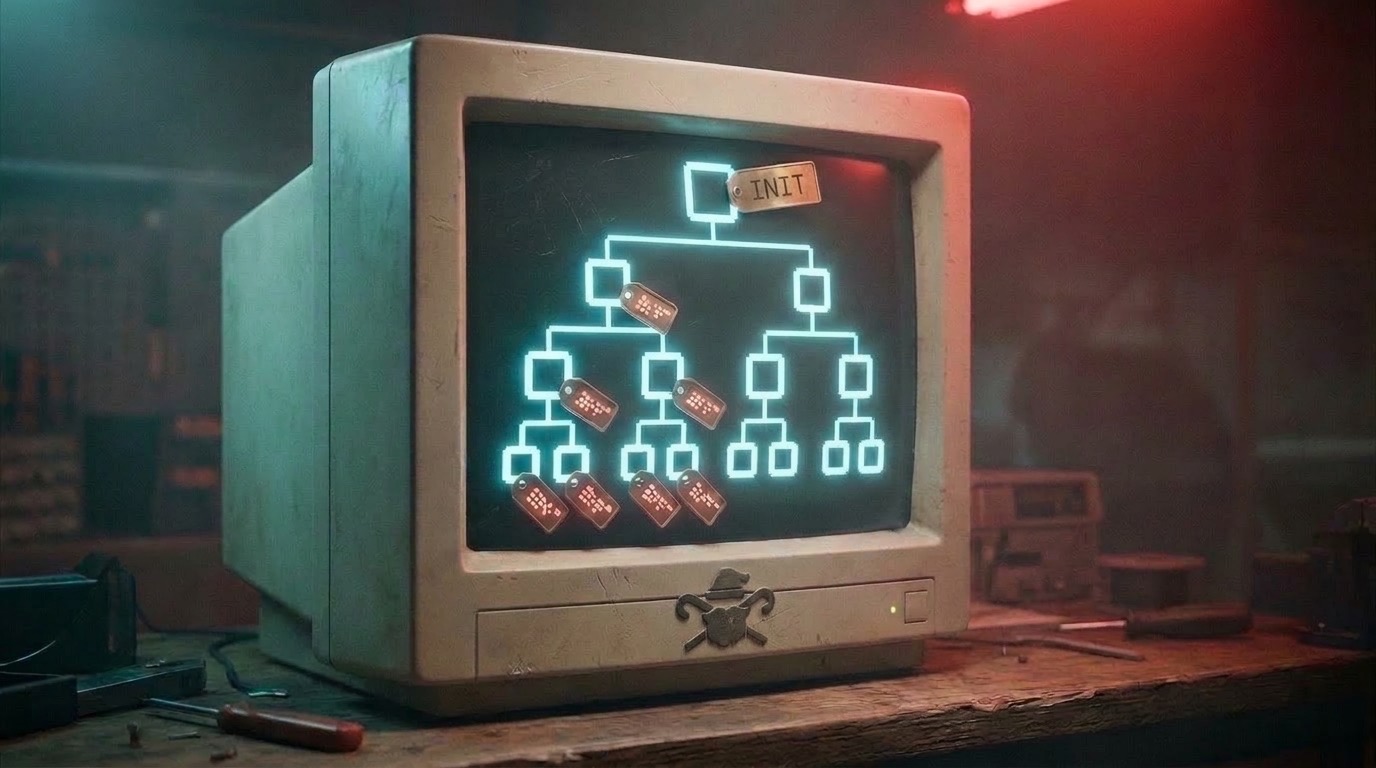
Blockable rules are CEL expressions the Risk Engine runs against unknown binaries. When one returns true, users can’t request approval for the binary. Until now, rules could only match attributes like a team ID or an entitlement. classify() lets them ask what attributes can’t answer, like “Is this a game?”
How It Works
classify(context, question) returns the probability, from 0 to 1, that the answer is yes. The context can be the whole blockable, one field, or a map you build.
classify(blockable, "Is this a game?") > 0.8Turn on the AI Classifier in Settings > AI Features and pick a model. Any chat model works, but decision models like TypeSafe’s Jev or OpenAI’s gpt-6-luna cost much less per call.
Documents
A question alone leaves the model to guess what your organization allows. Documents let you tell it. Expand Documents on the Blockable Rules tab, paste text or upload a .txt or .md file, and any rule can read it as documents.<name>.
Pass a document as guidance with classify(context, guidance, question). The model treats it as your instructions, separate from the binary it’s judging:
classify(blockable, documents.aup, "Does this app break the acceptable use policy?") > 0.8One document can serve many rules, and editing it re-evaluates only the rules that read it. Documents work outside classify() too, such as a list of team IDs a rule checks directly:
blockable.team_id in documents.blocked_teams.split("\n")Use cases:
- Acceptable use policy. Ask whether a blocked app breaks the policy your employees already agreed to.
- Data handling rules. Describe which kinds of apps may touch customer data, and ask whether a binary is one of them.
- Shared lists. Keep banned team IDs or signing IDs in one place for every rule that needs them.
The AI Classifier is in beta, for subscriptions that include AI classification.
See Which AI Accounts Are Signed In
Employees who sign in to AI coding tools with personal accounts put company code and data where you can’t see it. The new AI account inventory command finds them. It reports the Claude Code and Codex accounts signed in across every user home on a Mac, into the ai_credentials telemetry table. It reads details like email, organization and plan, never tokens or API keys.
Run it from Hosts > Commands against a tag or a single host. It needs Santa 2026.10 and Telemetry.
Santa 2026.10
Less Work per Event
Santa handles an Endpoint Security message for every exec, fork and exit, and more with telemetry on. 2026.10 does less work per message:
- No metrics thread hop. Counters update in place instead of through a separate queue. In a trace, those queue calls were about 12.5% of Santa’s CPU.
- A cheaper process tree. Retaining and releasing a process no longer copies a shared pointer under the lock, which is 1.4 to 2 times faster in a benchmark.
- Fewer process tokens. Santa skips them for messages nobody reads. With the two changes above, token work fell from 9.5% to 2.6% of Santa’s CPU.
- Cheaper logging. Writing events to protobuf, JSON and plain-text logs takes fewer allocations and copies.
- A smaller spool compressor. 2.5 MB instead of 3.5 MB at the default 1 MB spool threshold.
Security Fixes
Santa 2026.10 includes several security fixes. We recommend that every Santa deployment update to it.
More in 2026.10
- Your own block dialog. Workshop can set, per tag, the messages Santa 2026.10 shows when it blocks a binary, and the dialog button’s URL and label.
- A redesigned telemetry UI. Saved queries and history sit in a sidebar next to the editor, each saved query has its own URL, and a Schema tab lets you browse and search every table and column without leaving the query.
- Fewer repeat block events. Santa stores at most one block event per binary and decision every 10 minutes, instead of uploading a copy with every sync.
You may also like
Announcing Santa and Workshop 2026.9
Santa and Workshop 2026.9 add process annotations that make Lockdown livable for developers, DNS rules, security key approvals, and much more

Announcing Santa and Workshop 2026.8
Santa and Workshop 2026.8 add time based rules, a top-level Tags section, file access process overrides, sequence signals, and Nix package rules

Announcing Santa and Workshop 2026.7
Santa and Workshop 2026.7 add rule packs for every rule type, richer Signals, package inventory scanning, redesigned Commands, and more